
Mi Home APP / Xiao Ai Speaker Region Issue
New Purchase of Xiaomi Air Purifier 3 & Recording the Integration Issues Between Mi Home and Xiao Ai Speaker
Preface
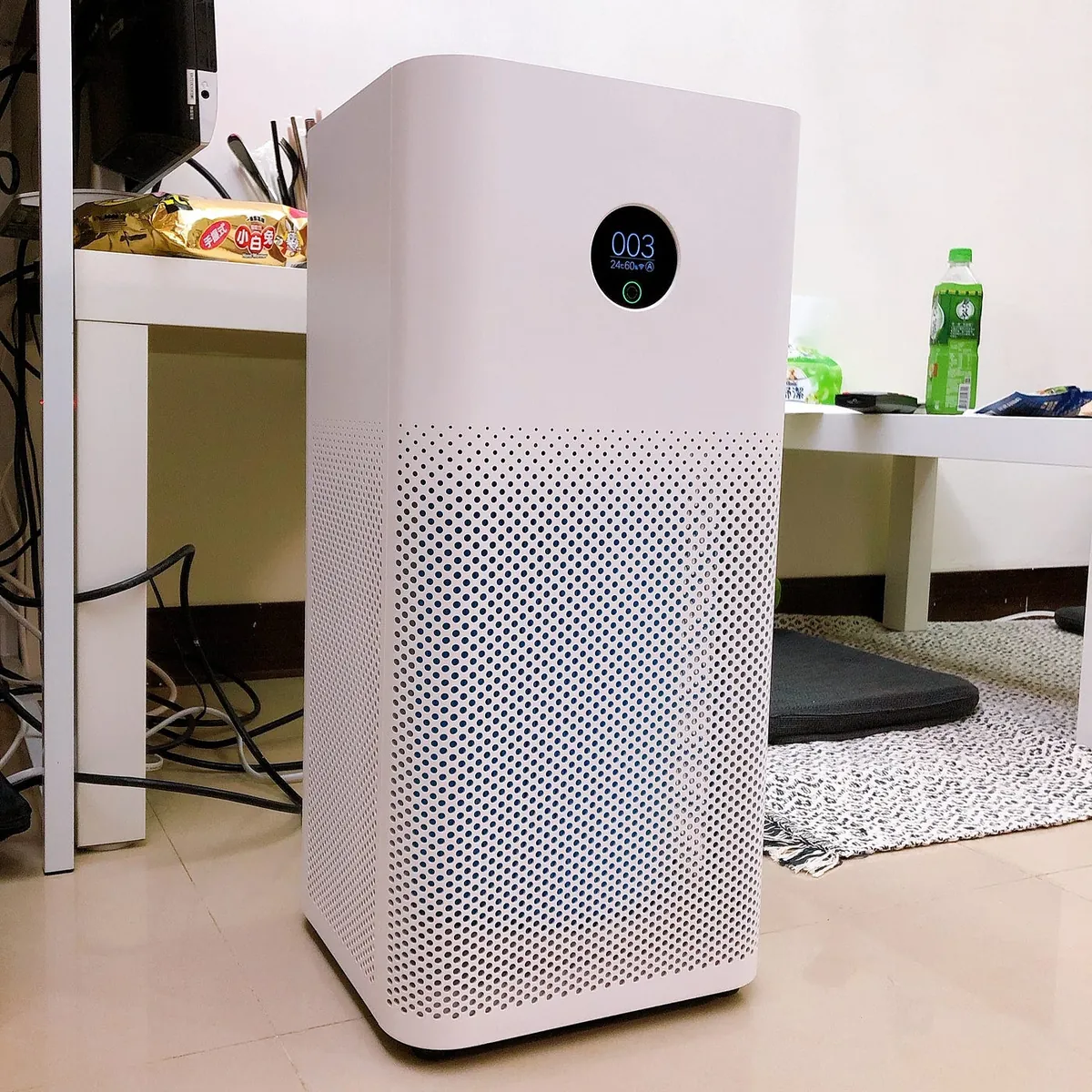
About Xiaomi’s fourth product; recently added a new member — “Xiaomi Air Purifier 3”
Honestly, I never paid attention to the air quality in my room. Usually, when the outdoor air looks hazy, I feel uneasy. Plus, I have long-term nasal allergies, so I decided to buy one for my room!
The new generation has a small screen on the main unit that shows the remaining filter life, current air quality, and allows mode selection, so it can be used without connecting to the app; connecting to the app enables remote control but offers no additional special features.
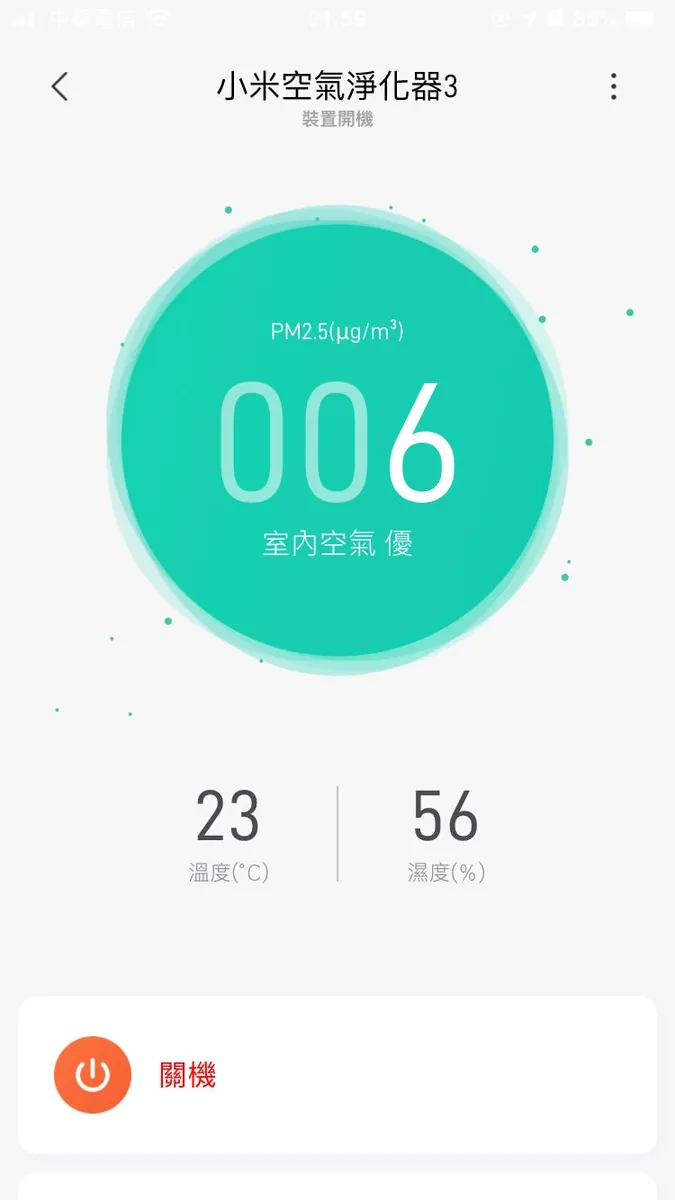
It’s been two weeks since I bought it, and I’ve found the room’s air quality to be good. When the outdoor air is clean, the indoor air quality value is around 001~006; when outdoor air is poor, indoor values are about 008~015. A value over 75 means poor air quality, and above 150 is considered severe. Maybe I should have bought a vacuum cleaner instead XD.
But having a little air quality guard protecting the home is still pretty nice.
Mi Home Smart Home Regional Function Restrictions
The Mi Home app offers two region options: Taiwan and China. The region you choose affects the app’s features. When setting it up, I chose China, thinking that data security was similar everywhere, so I might as well pick the region with more features to enjoy more functions.
After adding the Xiao Ai speaker last year, I noticed a more complex issue with region settings: to control Mi Home smart devices via the Xiao Ai speaker, both apps must have the same region selected; otherwise, they won’t connect. This is frustrating because if the Xiao Ai speaker is set to Taiwan, it works with KKBOX but the smart features are limited (missing Xiao Ai training).
Therefore, my original Xiao Ai speaker region was set to China. I had no issues adding previously purchased appliances, and I successfully created a complete smart home routine: when leaving, saying goodbye to Xiao Ai automatically turns off all devices and turns on the door camera; when arriving home, saying “I’m home” triggers the appliances to turn on automatically. The experience is quite smooth!
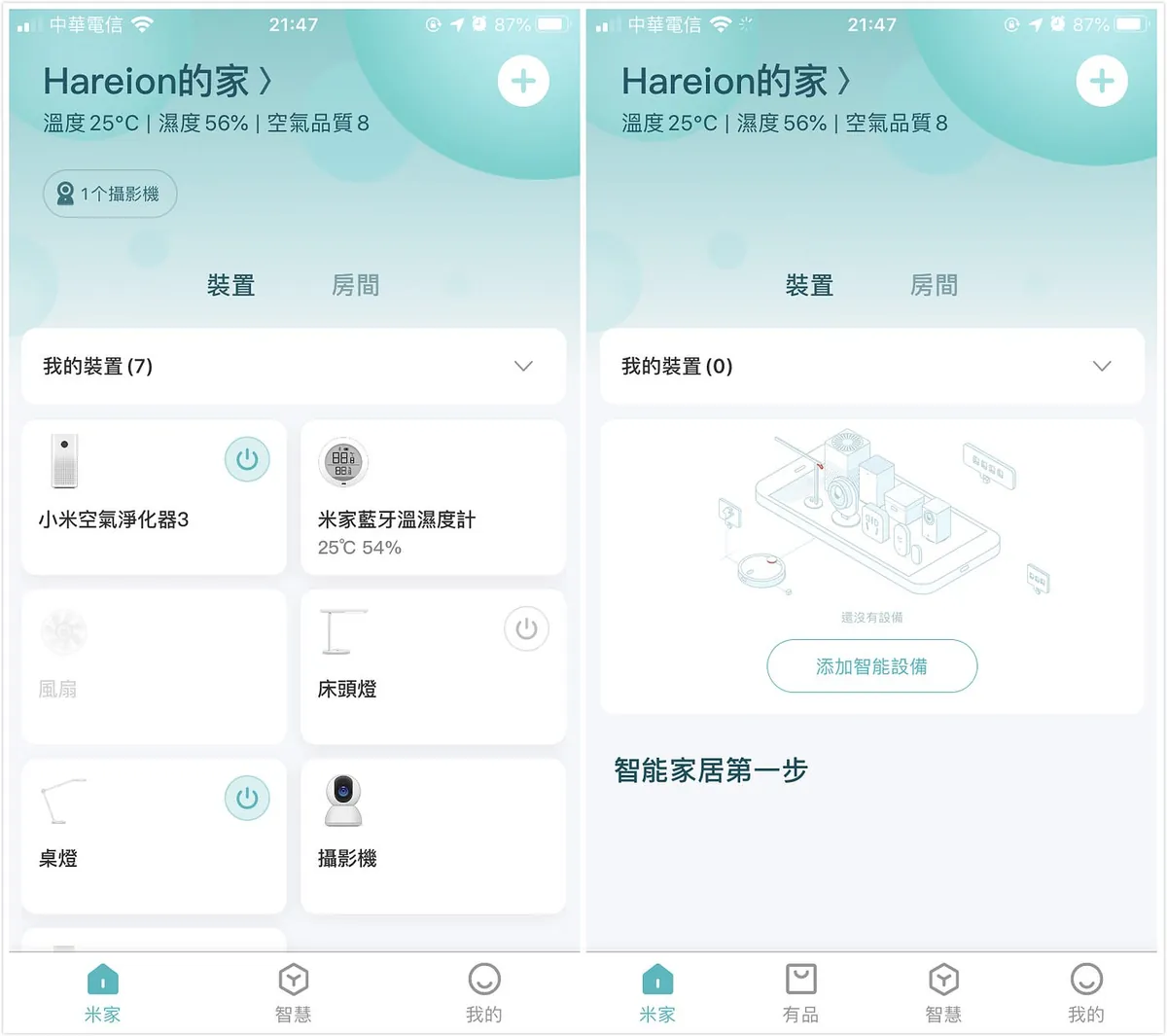
Left: Taiwan / Right: China
Adding Xiaomi Air Purifier 3
Having bought so many Xiaomi home products, the new member must also be added to my Mi Home APP!
However, I encountered a problem when adding it. The Taiwan version of the Xiaomi Air Purifier 3 cannot be added to my Mi Home APP unless I switch the Mi Home APP region back to Taiwan….
This is troublesome. The air purifier is the only device that cannot be added; no matter how I try, it doesn’t work. It seems the pairing method differs between Taiwan and China. Reluctantly, I had to switch the region back to Taiwan and reset all the appliances… The Xiao Ai speaker was also changed back to Taiwan.
Xiao Ai Speaker + Mi Home Smart Scene Control
After switching the region back to Taiwan, the “Xiao Ai Training” feature was lost; it is no longer possible to set vocabulary commands for corresponding Mi Home smart scenes directly within the app. However, after multiple attempts, I found that if the smart home is linked and authorized with the Mi Home app, the scenes and devices will still automatically sync with Xiao Ai speaker authorization for control!
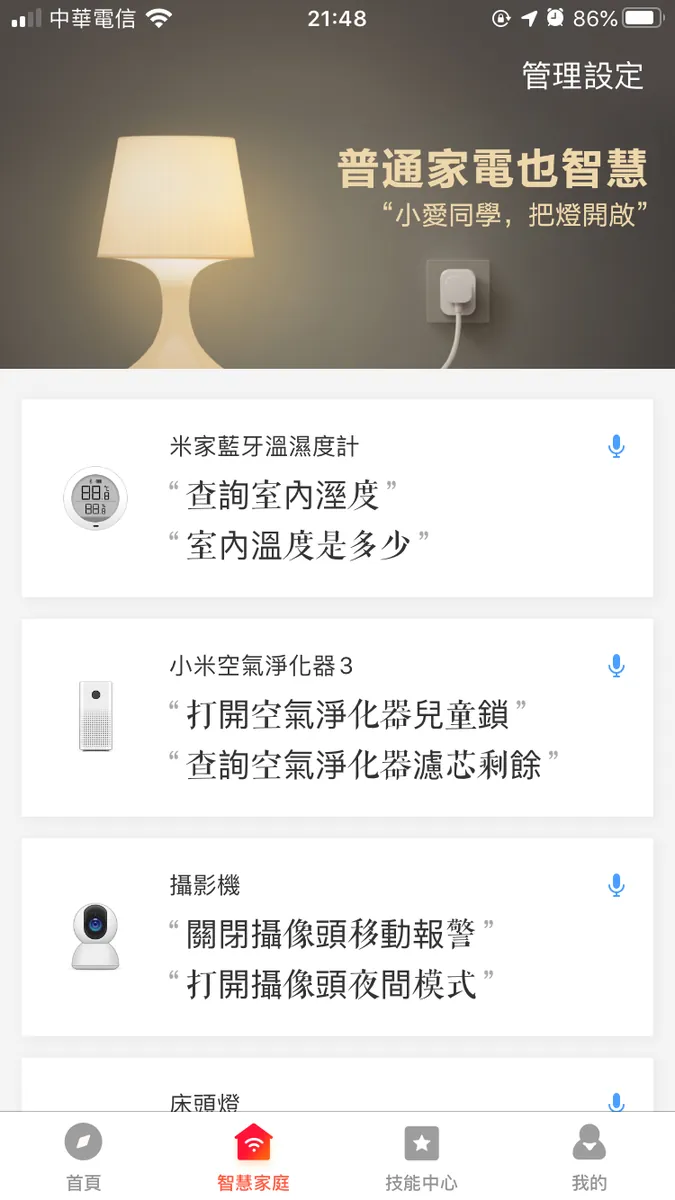
BUG
My scene “回家” is correctly recognized and executed by the Xiao Ai speaker, but “出門” was never recognized. After trying all afternoon, I found it was a simplified/traditional Chinese issue; when I changed the scene name to “出门,” the Xiao Ai speaker could recognize and execute it properly.
For those who have issues with scenes not executing, try changing the scene names and device names to Simplified Chinese.
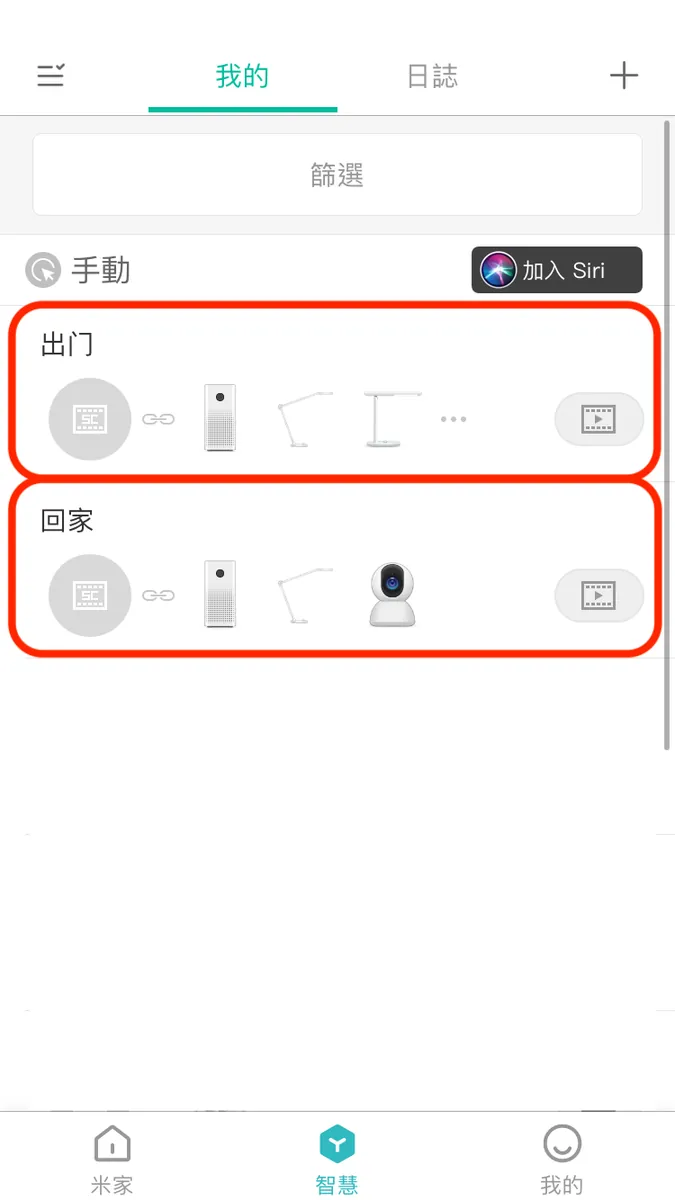
Done! This way, you can keep using the Mi Home smart system with the app region set to Taiwan, maintaining the original experience.

Comments