
IQUNIX MG 65/75/96 Pro Low Profile Light Feather Switch Tri-mode Aluminum Alloy Mechanical Keyboard Night Black Unboxing
Unboxing the IQUNIX MG75 Pro: Aluminum Build and Light Typing Feel for MacOS
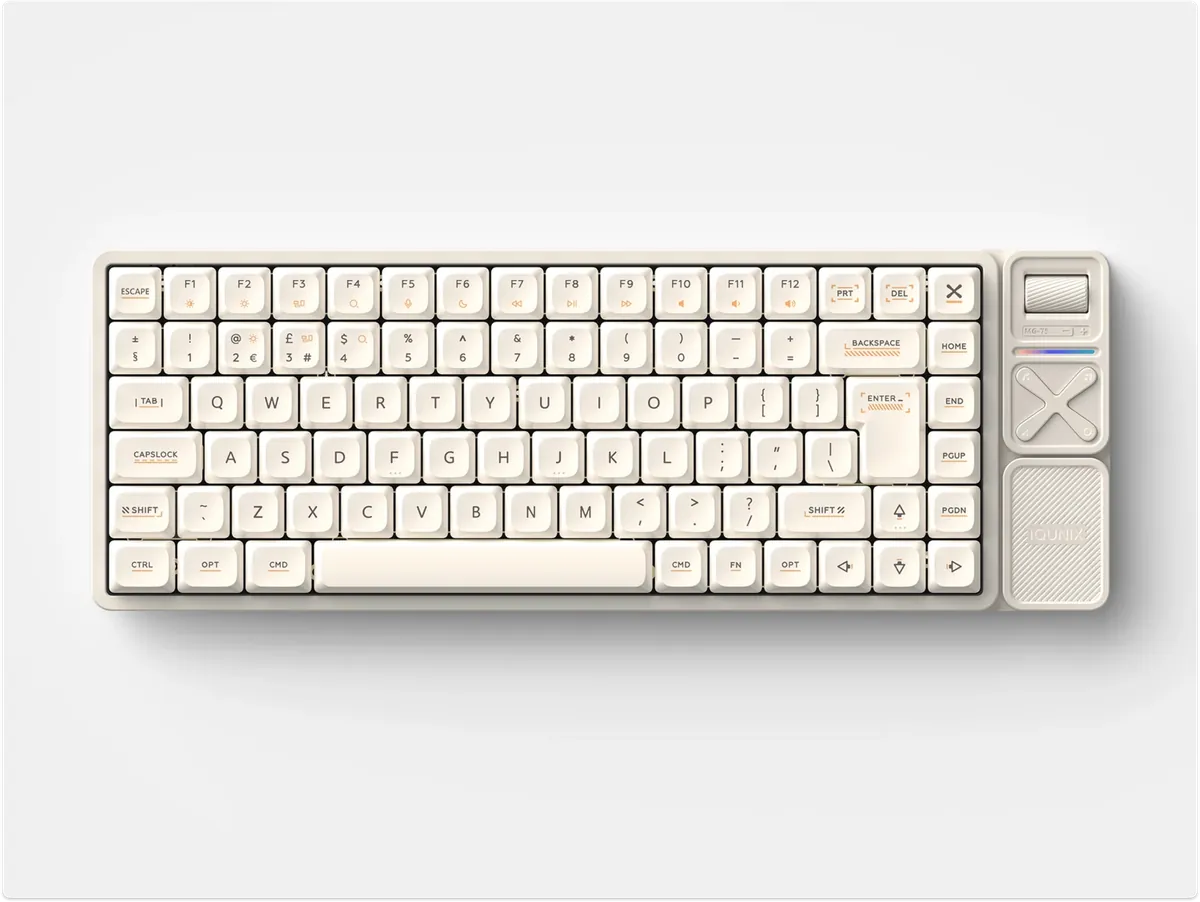
Introduction
It’s been a long time since I wrote an unboxing post, and I didn’t have anything special to unbox. Recently, my second-hand mechanical keyboard that I’ve used for two years finally died (actually, I spilled water on it). It was a high-profile keyboard assembled by a colleague (based on the DUKHARO — VN66), probably with yellow/white switches.
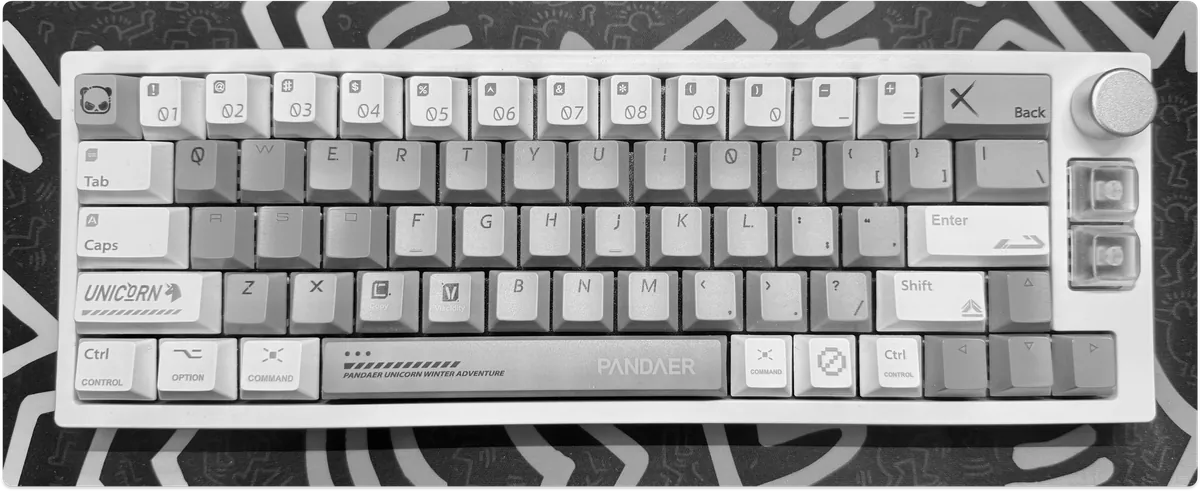
Old Keyboard
Before getting into mechanical keyboards, my favorite was the Apple Magic Keyboard. I prefer low-profile switches and, as an Apple user, this one is the perfect choice.
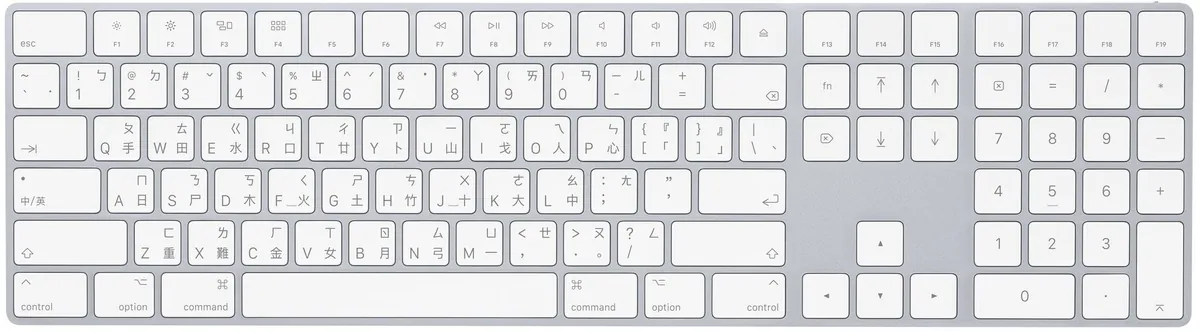
Apple Magic Keyboard
But the feel is just like a pure chocolate keyboard—flat and without any tactile feedback.
IQUNIX MG65/75/96 Pro Low-Profile Light Feather Switch Tri-Mode Aluminum Mechanical Keyboard
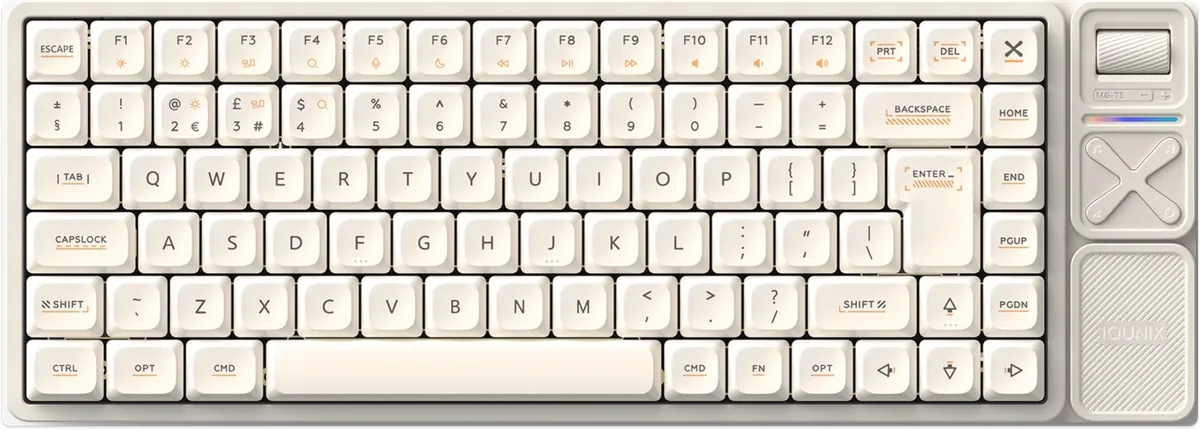
This keyboard caught my attention because a colleague bought it shortly after I got my previous one. I tried pressing a few keys myself and confirmed it was my dream keyboard. The low-profile switches match my preference for chocolate-style keys combined with the “Light Feather Switch,” offering good tactile feedback without being too noisy. It also has a sleek appearance and a multifunction control panel. Most importantly, it comes with official MacOS keycaps. Now, I finally have the chance to get it.
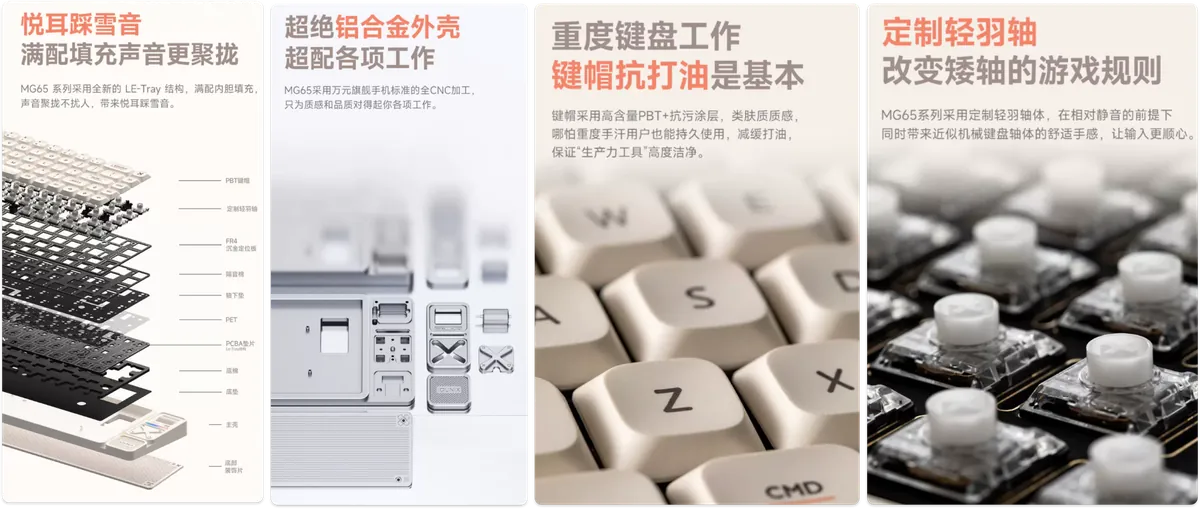
Image taken from Official Product Image
Switch — Custom Made Light Feather Switch (official marketing term), Gold Red Switch (spec sheet)
-
Actuation Force: 40 ± 10 Ggf
-
Total travel (full distance): 2.8 mm ± 0.25
-
Actuation travel (the distance the key is pressed down from the top until the “signal is triggered”): 1.2 mm ± 0.30
-
Lifespan: 50 million keystrokes
Keycaps
-
High-content PBT + Anti-stain Coating
-
Skin-like texture
Case
-
CNC Machined Full Aluminum Alloy
-
Height: 11 mm (lowest point) — 25.5 mm (highest point)
-
LE-Tray structure, Poron sandwich foam, PET bottom pad, IXPE pad under switches, Poron bottom foam, IXPE bottom pad
Usage Parameters
-
Type-C
-
Supports hot-swappable switches and VIA software
-
Supported connections: Wired, Bluetooth 5.1, 2.4 GHz wireless
-
Supports colorful RGB backlight control
-
Support: Windows / macOS / iOS / Android
Includes replaceable Windows / macOS keycaps
Models MG65 / MG75 / MG96 / MG65 Pro / MG75 Pro / MG96 Pro

The main difference is the keyboard layout (65/75/96) and the Pro version has a multimedia control panel on the right (+5 keys).
-
MG65: 68 keys, 3,000mAh battery
900g / MG65 Pro 1030g -
MG75: 84 keys, 4,000mAh battery
947g / MG75 Pro 1110g -
MG96: 100 keys, 4,000mAh battery
1144g / MG96 Pro 1296g
Multimedia Control Panel Functions:
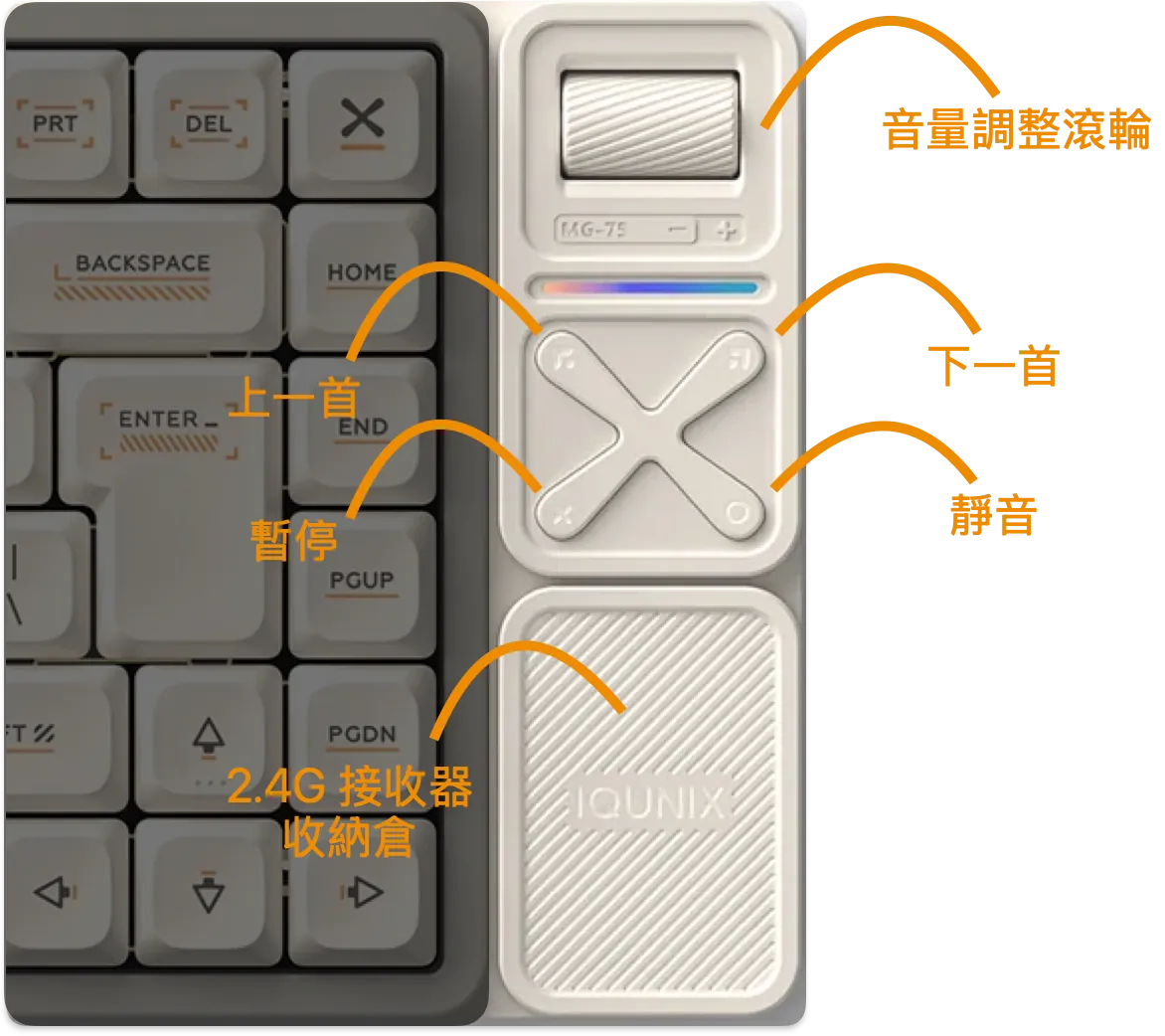
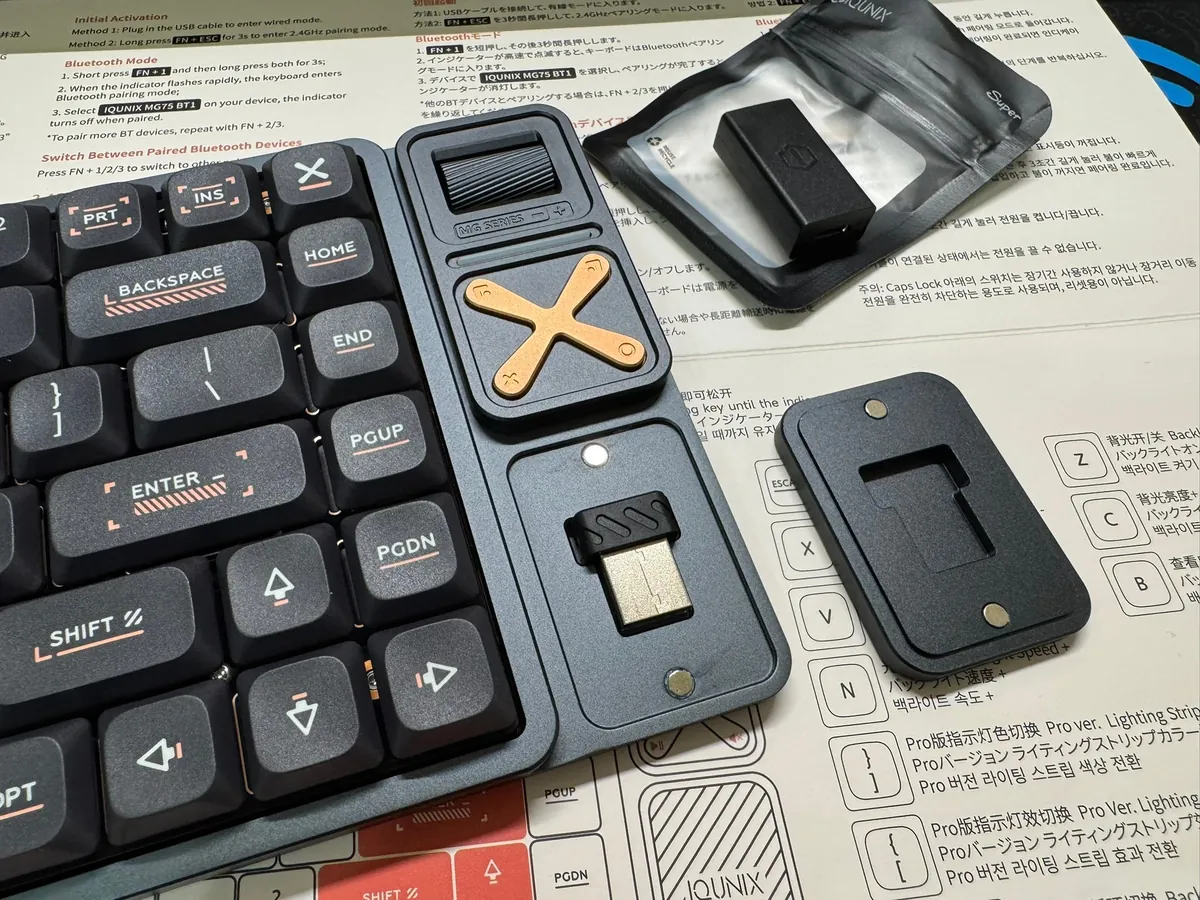
At the bottom is the storage compartment for the 2.4G USB receiver, which has no other function.
Appearance:
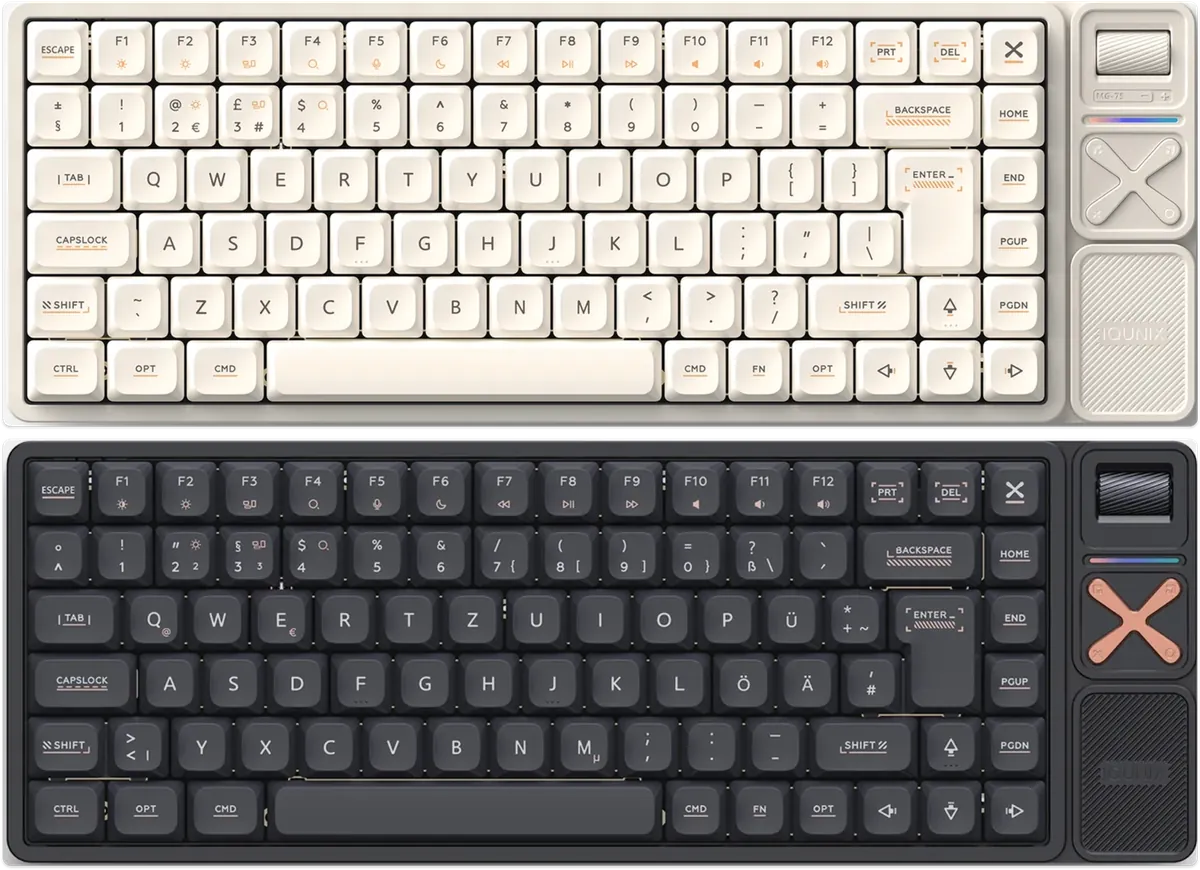
-
Mist White
-
Night Tour Black
Price
According to Taobao (Tmall — IQUNIX Official Store), the price as of 2026/05 is:
-
MG65: RMB $699
-
MG75: RMB $899
-
MG96: RMB $899
-
MG65 Pro: RMB $899
-
MG75 Pro: RMB $999
-
MG96 Pro: RMB ¥1,099
Choice
MG65 does not have F-row keys, so it was not considered. The base model starts from MG75, while MG96 feels too large. The Pro features are optional, but since the price difference is small, I upgraded. The final choice — MG75 Pro.
Purchase Channels
-
No official distributor in Taiwan or the distributor has stopped restocking.
-
Official international website https://iqunix.com/, but the price (MG75Pro) plus shipping is close to
NT$6,200. -
Taobao Official IQUNIX Flagship Store MG75PRO total cost including shipping and tax:
NT$4,798
White is even more popular than black. I noticed it sells out every week from Monday to the weekend; I bought the black MG75 PRO.
Taobao Official IQUNIX Flagship Store
I have to say, buying from Taobao is super convenient now. You don’t need to figure out consolidated shipping or have a Chinese account or credit card; you can pay directly online using Jkopay, Apple Pay, or credit cards. Then, the official consolidated or direct shipping delivers to your home, or you can even pick up at convenience stores.
-
Order placed after midnight on 05/03, shipped in the morning
-
05/05 Shipment departed
-
05/06 Arrived in Taiwan
-
Received the package at noon on 05/08
If you have no experience buying items from overseas, be sure to complete EZWay real-name verification by downloading the EZWay App, registering, and completing the verification; a few days after shipping, you will be notified of a customs declaration record—just open the app and confirm it.
IQUNIX MG75 Pro Low-Profile Light Feather Switch Tri-Mode Aluminum Mechanical Keyboard Night Black Unboxing
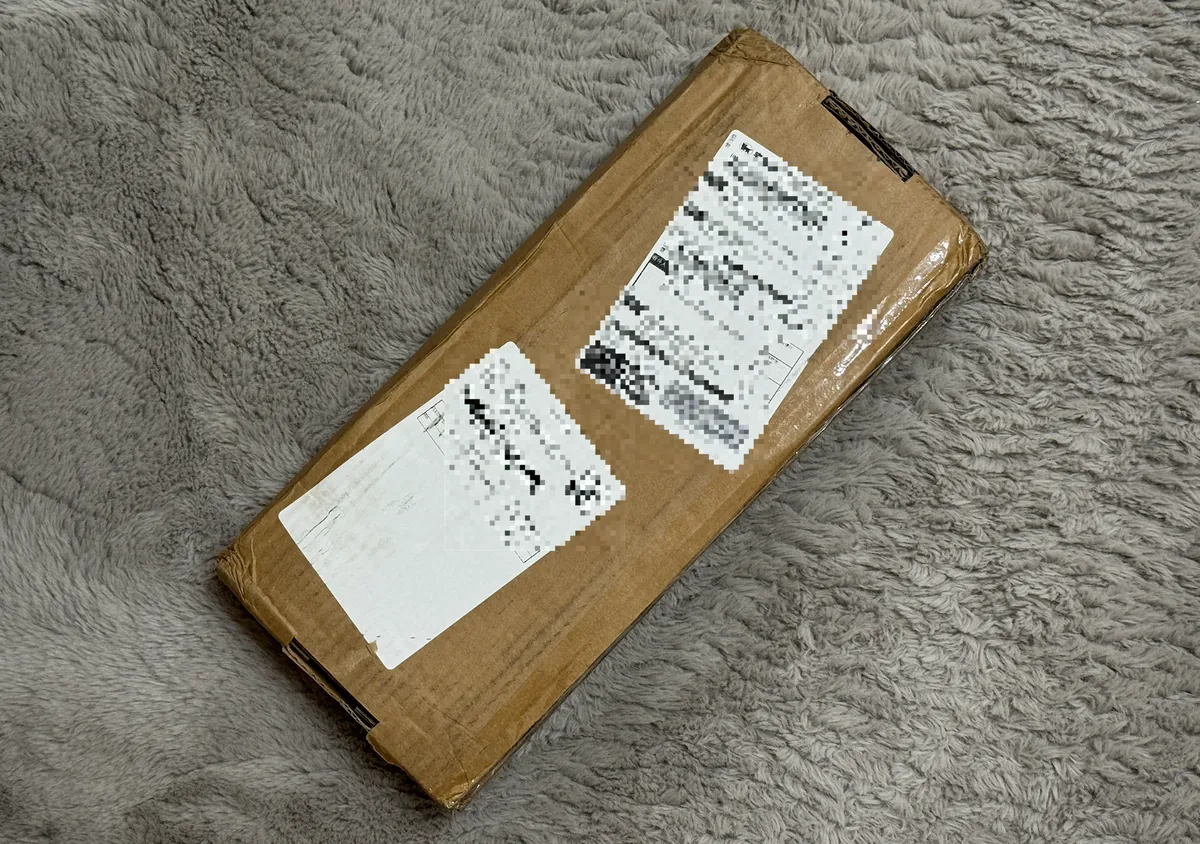
The packaging is very simple, just a cardboard box the same size as the keyboard… I was a bit worried it might get damaged, but luckily the keyboard case is hard.
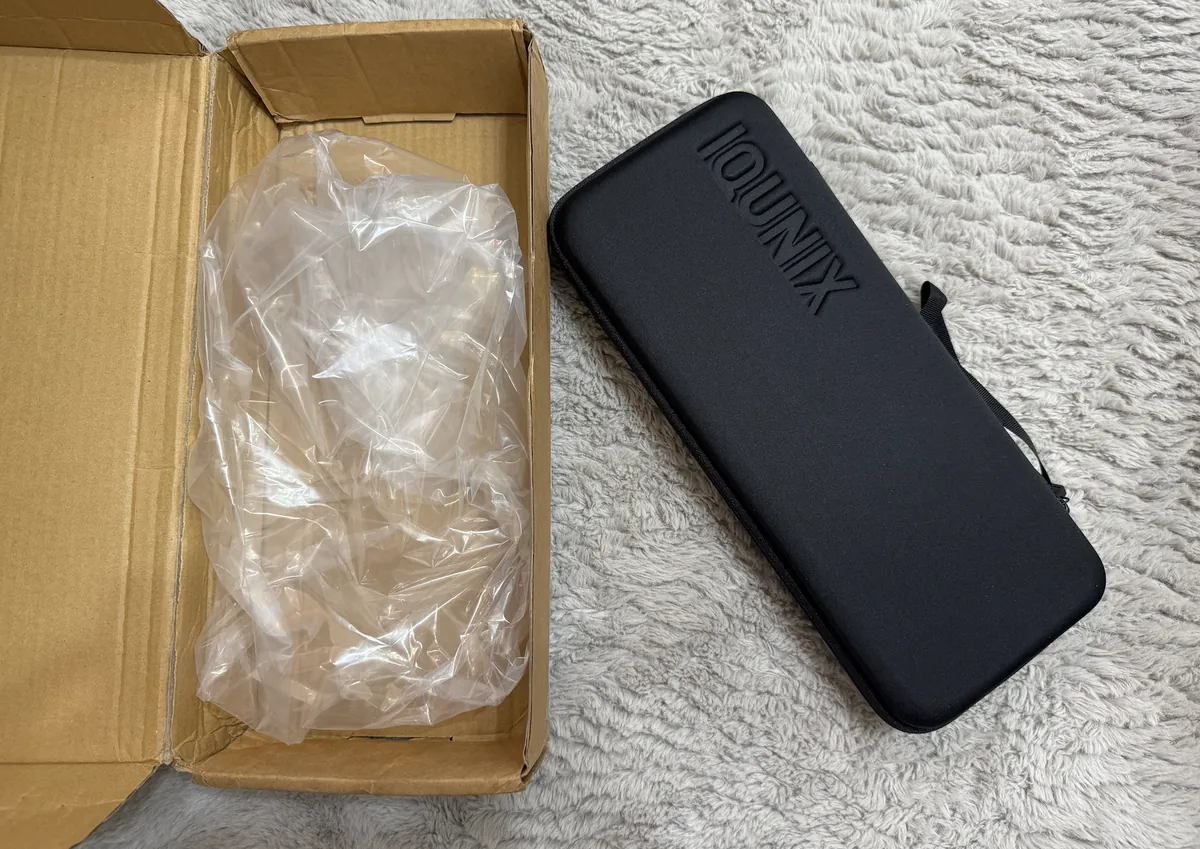
Opening it reveals the keyboard storage pouch; the packaging is simply placing it directly into a cardboard box.

The official product page says it’s a new packaging that directly replaces the keyboard box with a carrying pouch (which means you get an extra case for free).
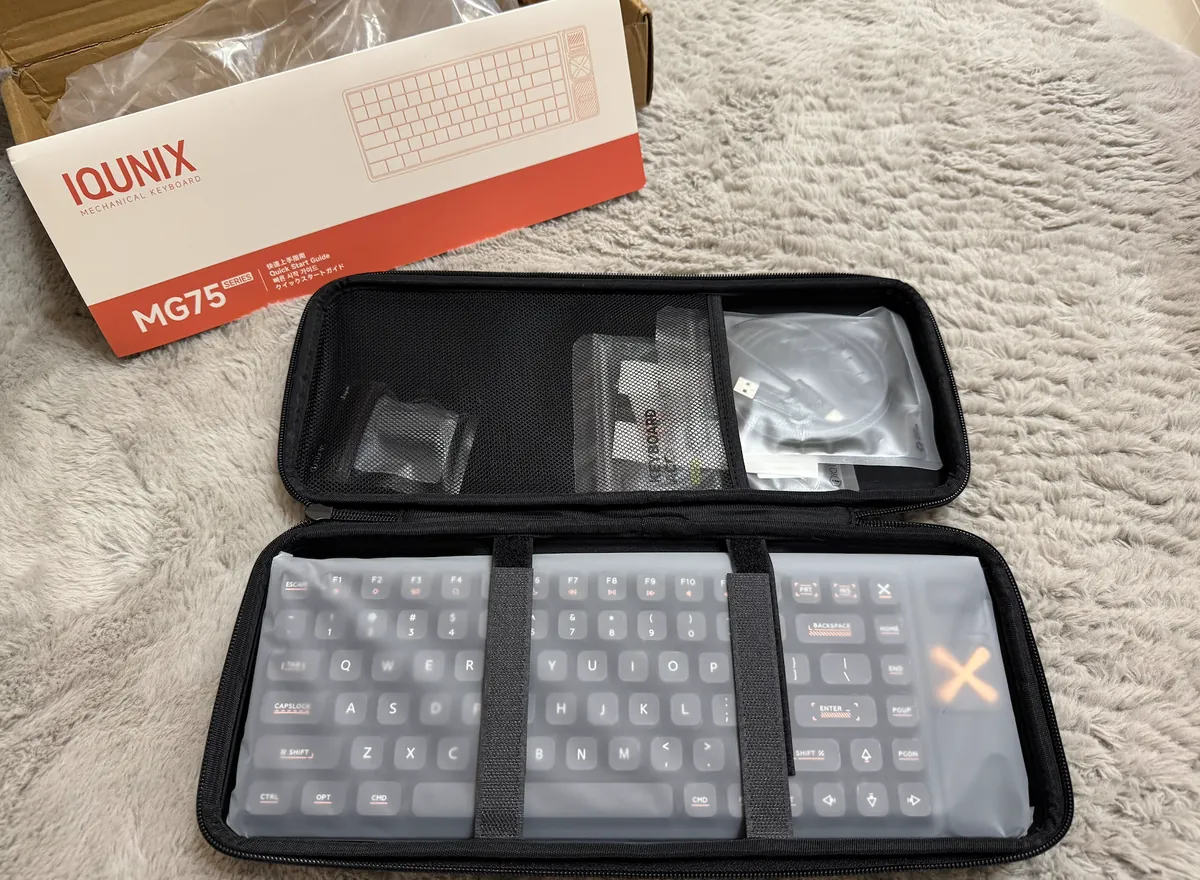
Inside the keyboard bag, you will find the keyboard itself, a manual, and accessories.
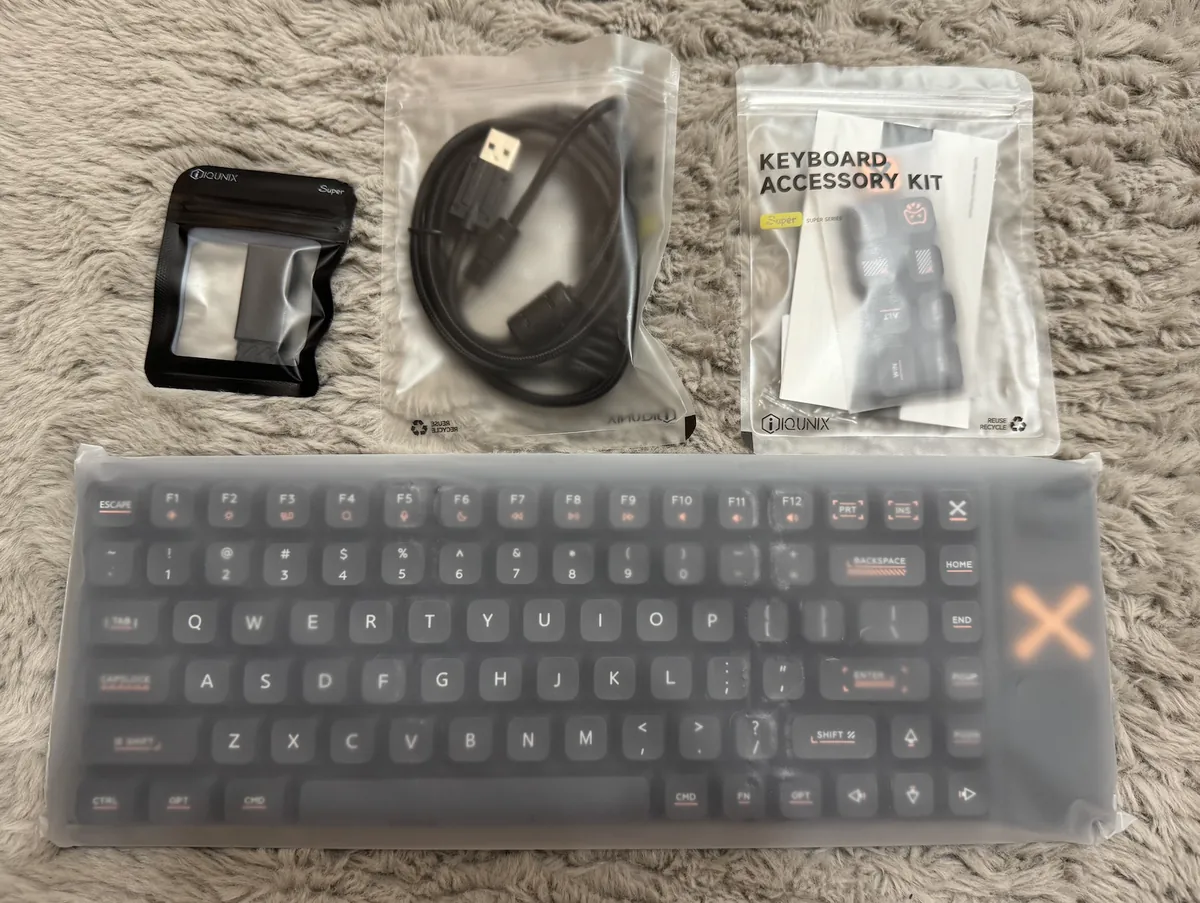
Accessories include: 2.4GHz receiver, USB-A to USB-C cable, extra keycaps, and a keycap puller.
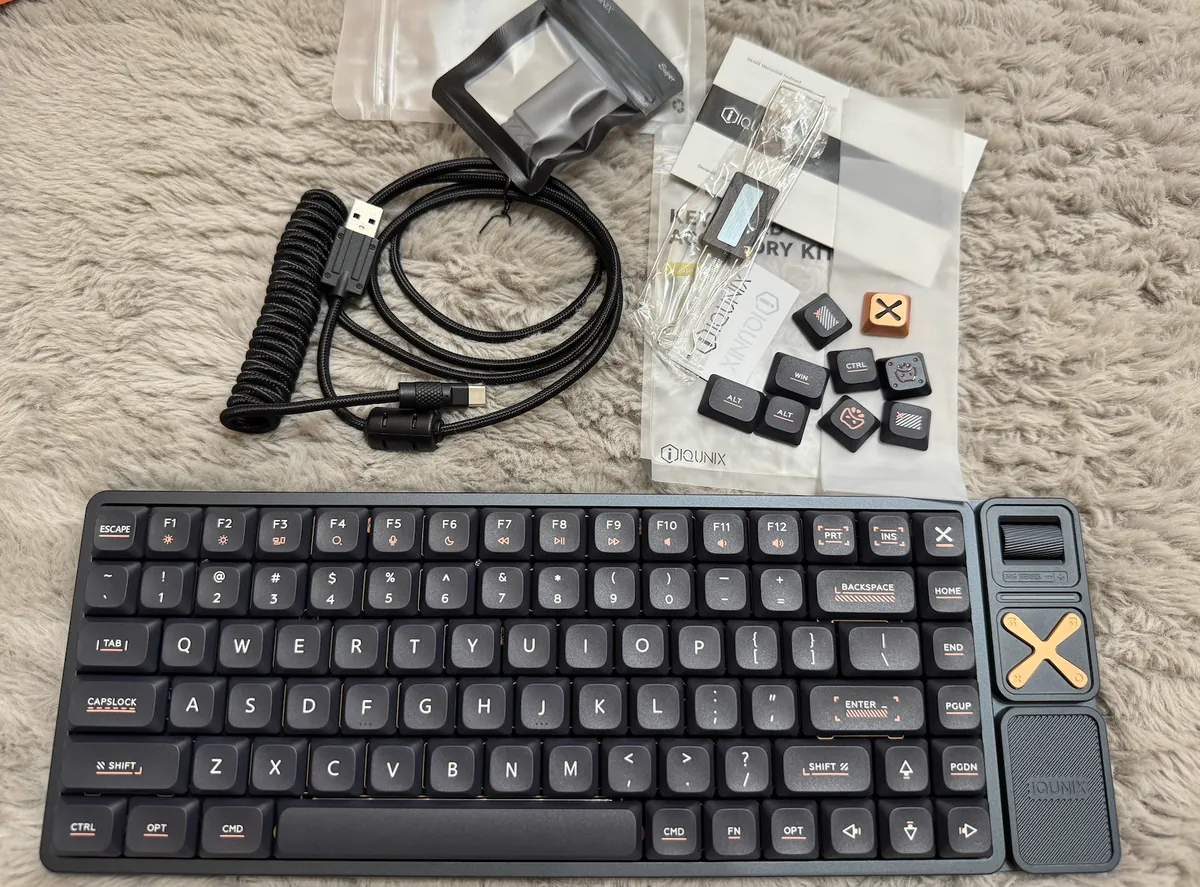
The default keycaps are macOS style, and you can choose to replace them with the extra X aluminum keycaps for a more premium feel. The included data cable is a coiled cable that can stretch longer and is easy to store, which is a nice touch.
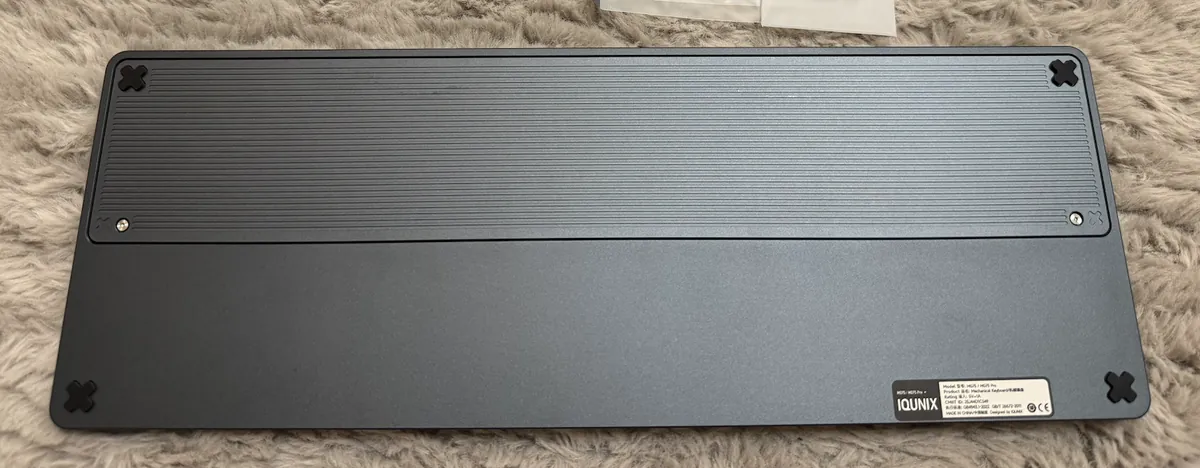
The back of the keyboard also has a metallic texture; the only drawback is the lack of built-in stands to adjust the tilt angle.
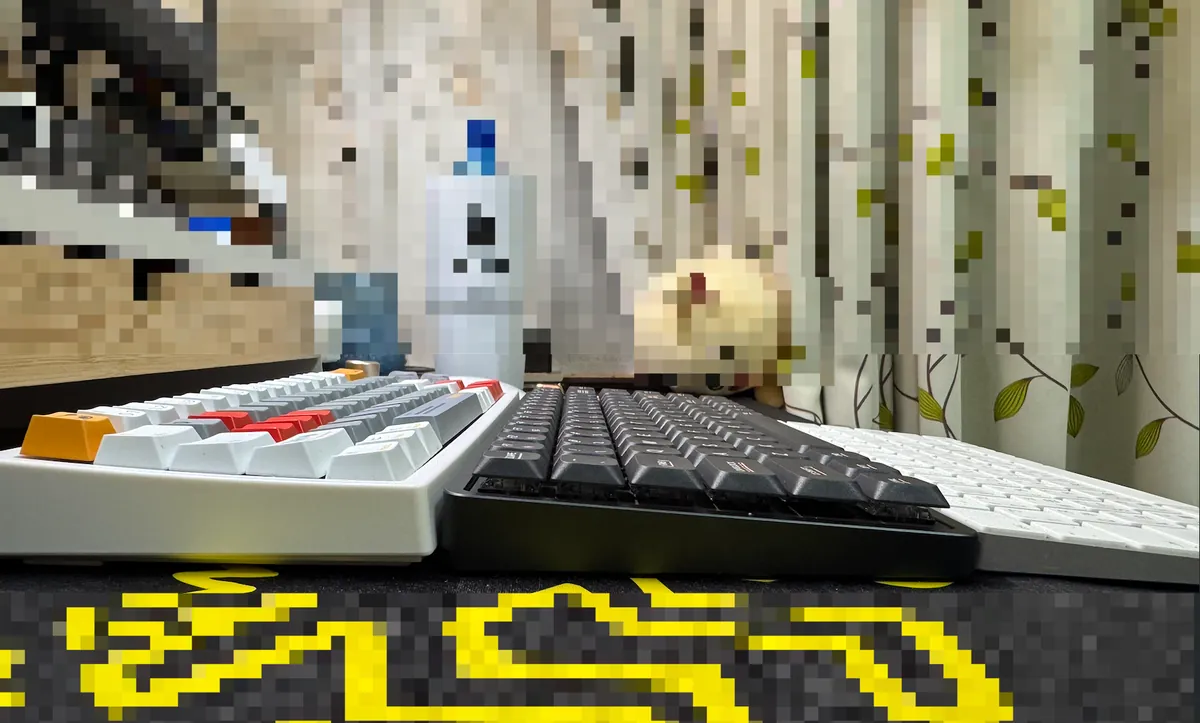
Key height compared to the original keyboard.
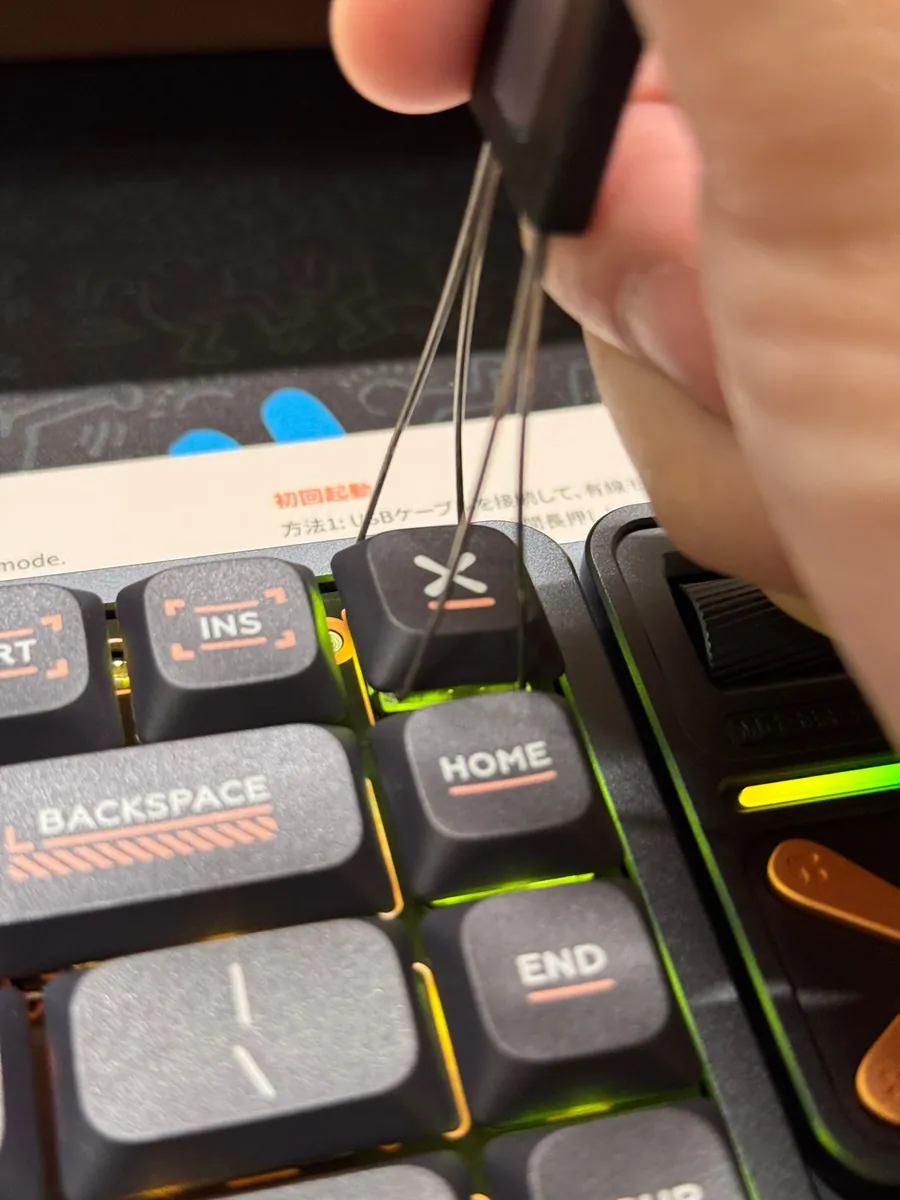
I directly replaced it with X.
Body Details
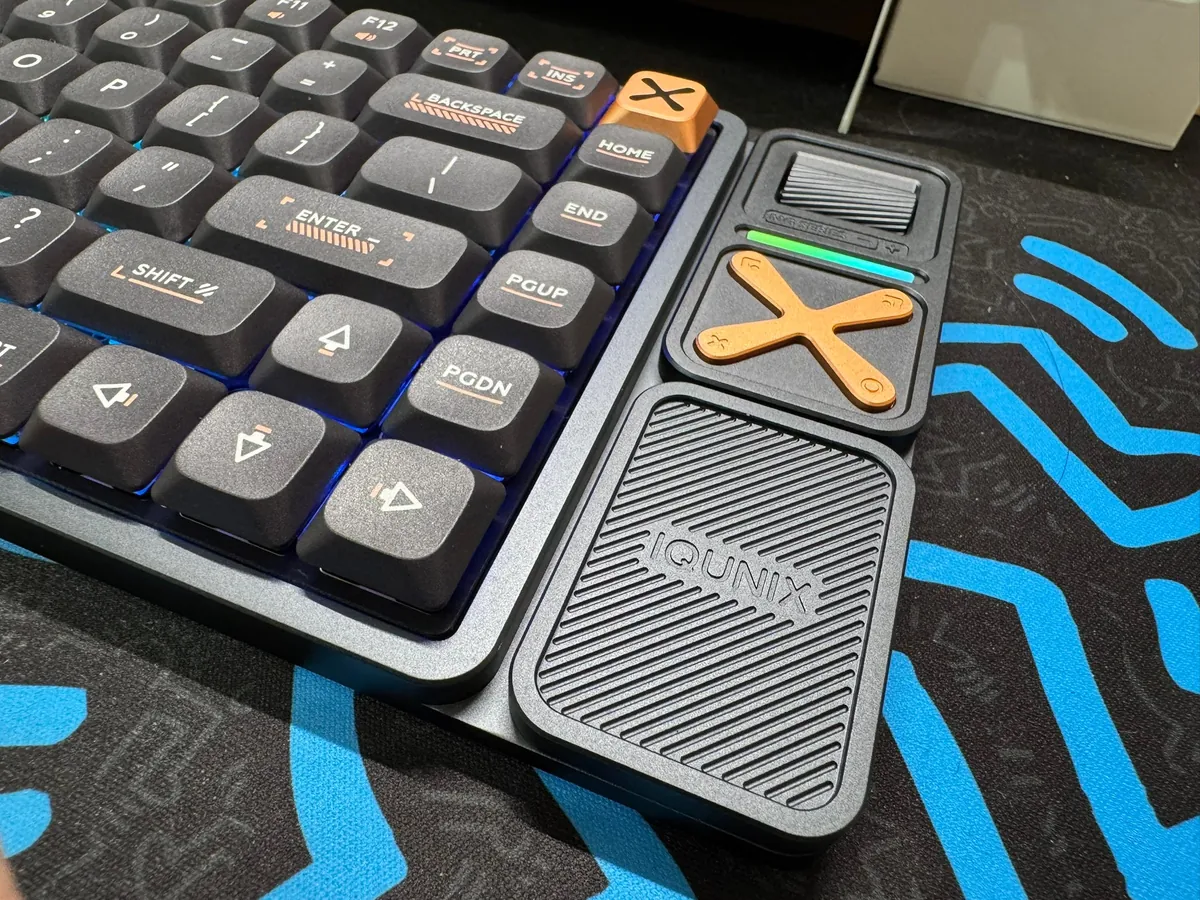
I didn’t notice when buying it, but there is actually a light strip on the panel that lights up.
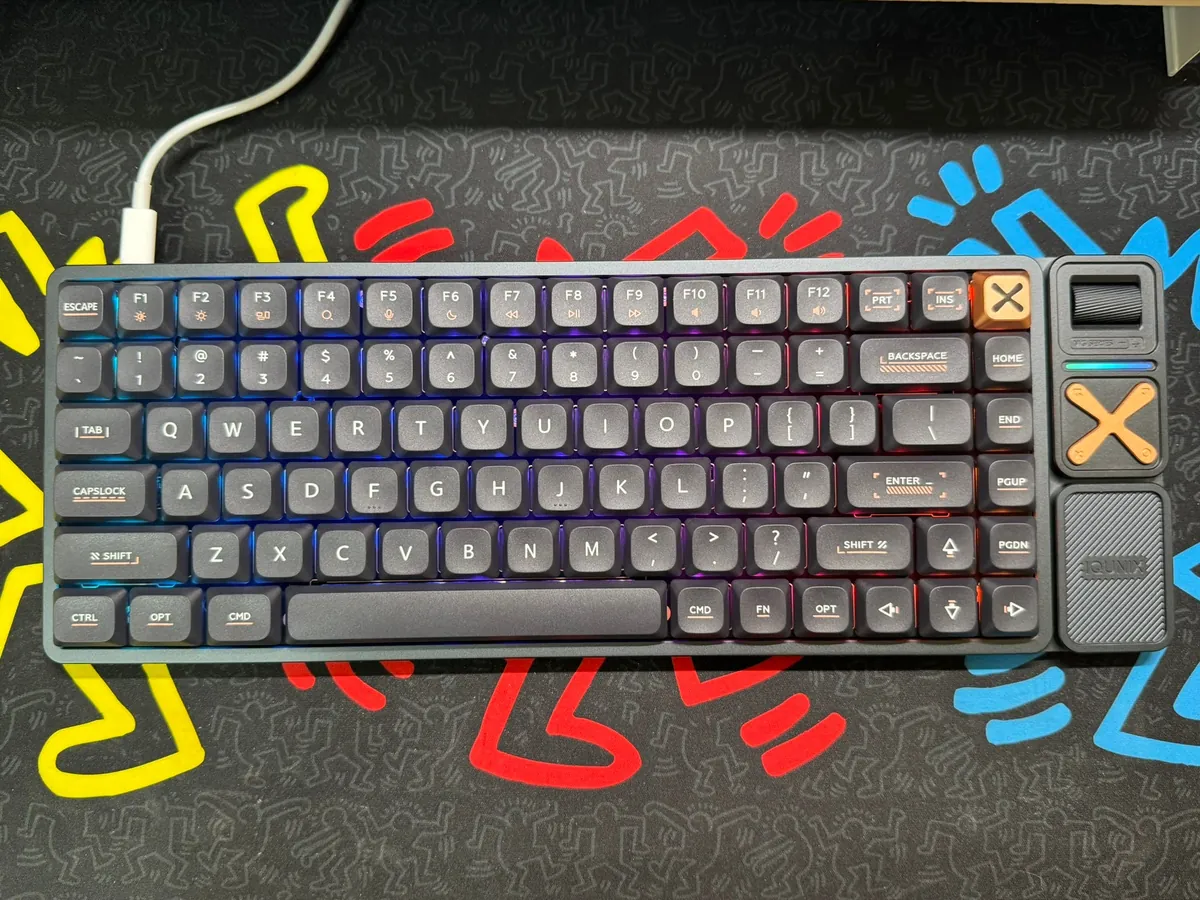
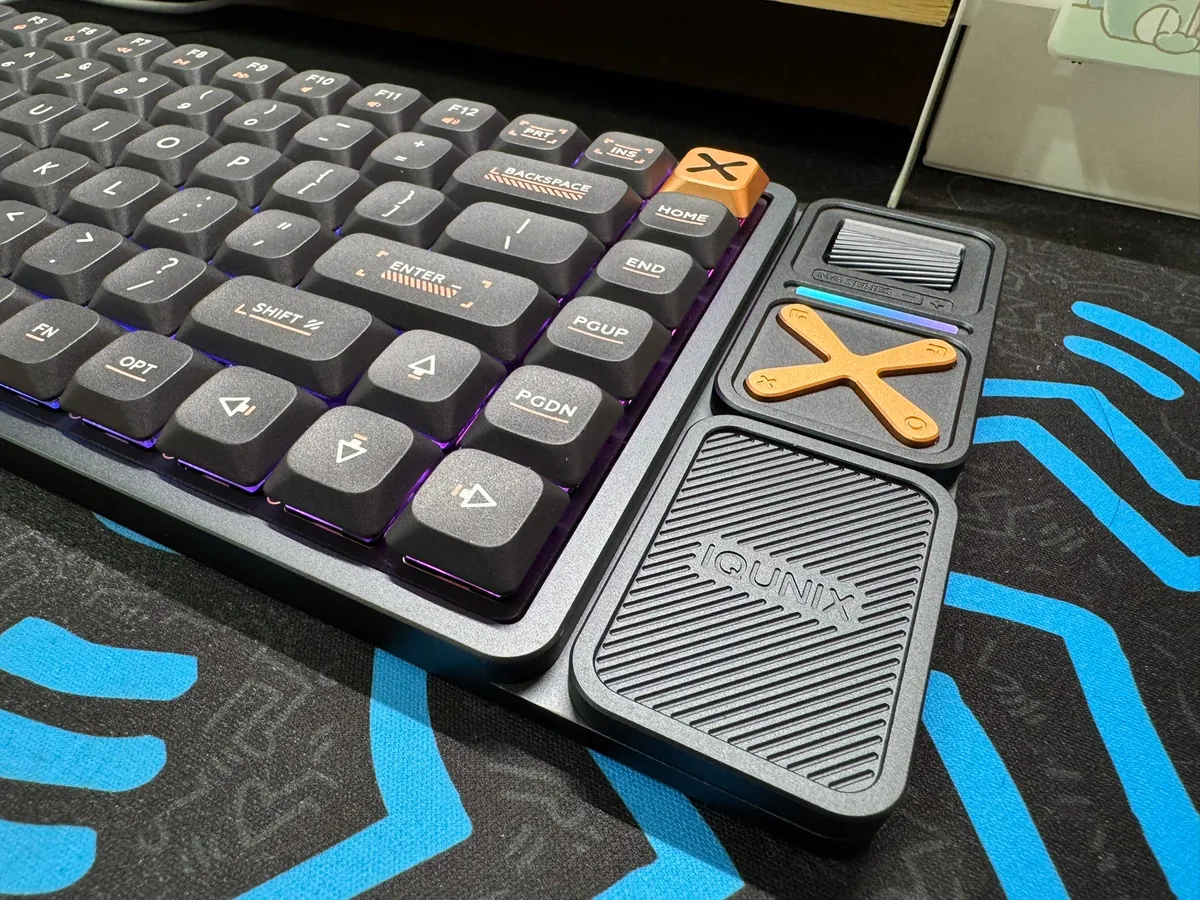
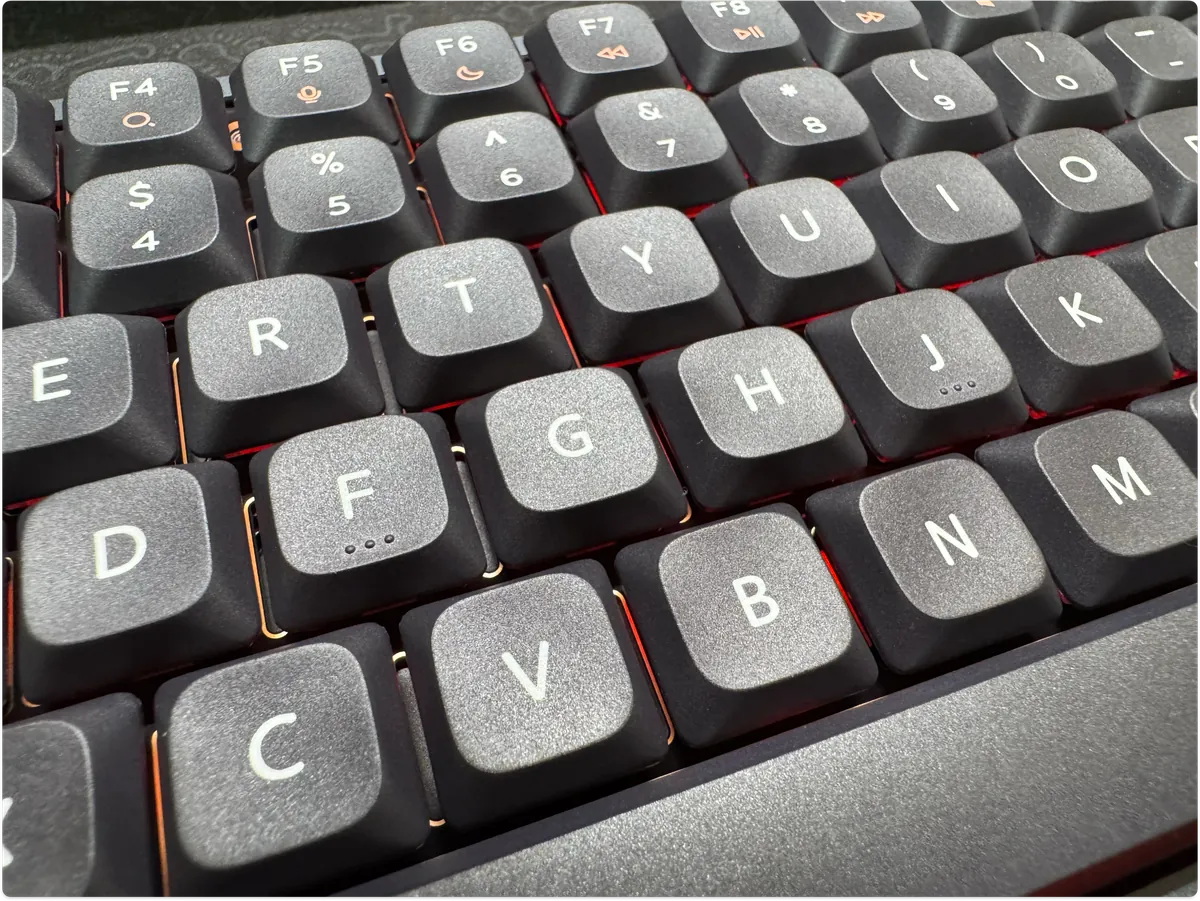
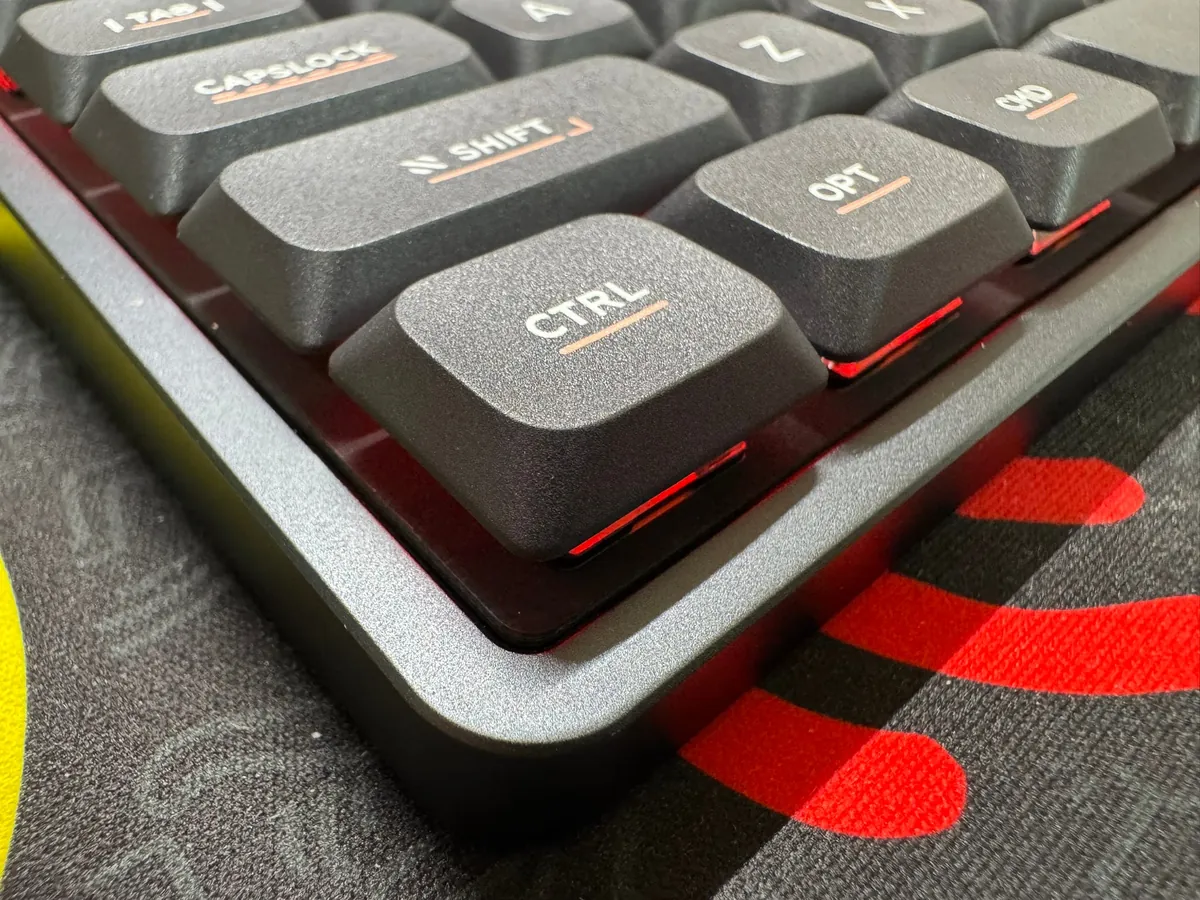
The keycaps have a calm black matte texture, and the keyboard body is made of matte aluminum alloy, giving it a premium feel. It feels solid and practical when held.
Manual
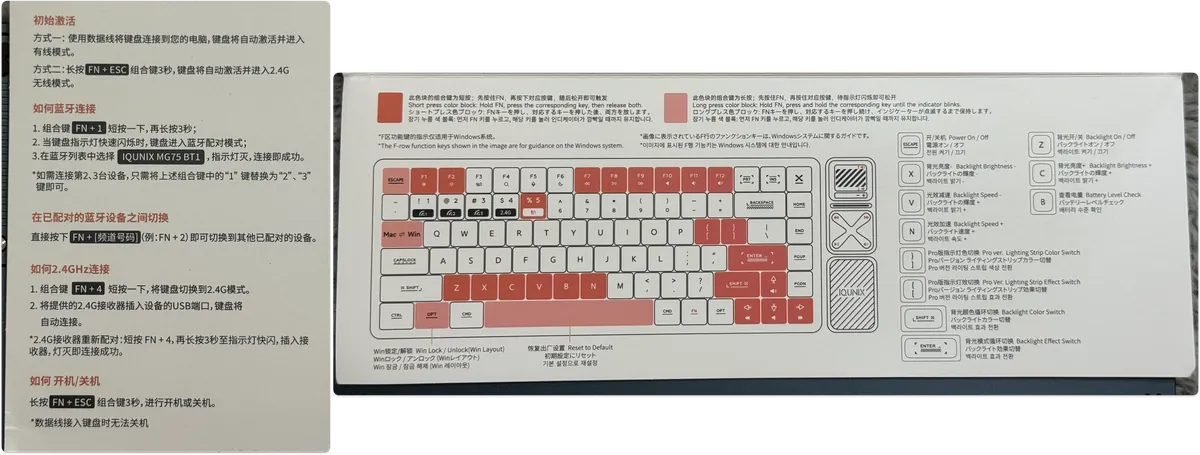
Basically, it’s similar to all mechanical keyboards, mainly just adjusting the lighting and connection settings.
Startup Process
-
Plug the cable into the computer
-
Press and hold
FN + ESCfor more than 3 seconds to power on the keyboard (Tab backlight will flash) -
Switch to macOS key layout:
FN + Tab(Must set for macOS, otherwise CMD will require pressing CTRL) -
Set backlight:
FN + [/FN + ]/FN + Shift/FN + Enter
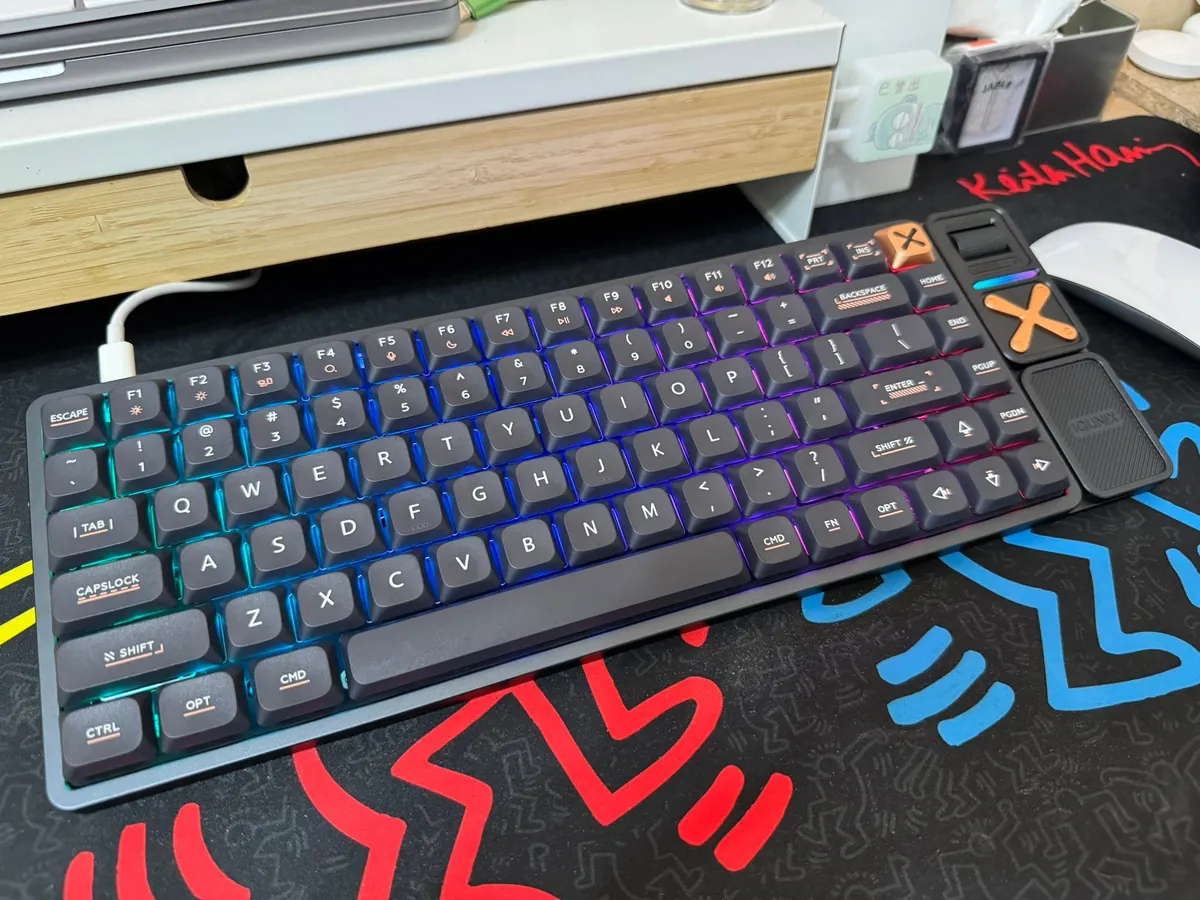
Actual Key Sound
Please focus on relative volume levels, as the iPhone’s microphone tends to amplify the actual volume.
Typing Feel
The sound is much deeper and quieter than before, yet it still retains the tactile feedback of a mechanical keyboard. It feels quite comfortable to use so far. The downside might be that the keys on the right side are too densely packed, which takes some getting used to and can easily cause mistakes, such as pressing the Home key when intending to press Delete.


Comments