

𝗔𝗜 𝗩𝗶𝗯𝗲 𝗖𝗼𝗱𝗶𝗻𝗴 × Process Automation: A New Attempt from Cloud 𝗚𝗼𝗼𝗴𝗹𝗲 𝗔𝗽𝗽𝘀 𝗦𝗰𝗿𝗶𝗽𝘁 to Local 𝗺𝗮𝗰𝗢𝗦 𝗔𝗽𝗽
AI can help you develop, but imagination is your superpower.
About Process Automation
Long before the AI era arrived, there were already many applications of “process automation,” but they required engineers to be involved in development.
The engineering side may not fully understand the know-how and pain points of actual work, while the demand side may not know which parts can be solved through technology. With different information and expertise on both sides, turning an idea into an automated process has a relatively high barrier.
Later, low-code/no-code automation platforms like n8n emerged, allowing users to connect services and design automation workflows themselves. Then, with the arrival of the AI era, the threshold lowered even further. AI is like the engineer who used to be on the other side of the demand, and as long as you have a token, you can discuss your needs with it and ask it to implement them.
Based on this, the bottleneck in process automation is no longer the engineering resources but rather the “mindset” and “judgment”:
-
“Mindset”: Can you break free from the fixed original framework and view your work from different angles to identify which tasks can truly be automated?
-
“Judgment”: Evaluating the value of automating a process. How frequently does this task occur? How much resources does it consume each time? How stable is it after automation?
However, “thinking” and “judgment” are not simply black or white, especially now with AI assisting development, making trial and error costs very low.
Improving “thinking” is a process that can start from the smallest tasks or by trying AI on anything that comes to mind. Once you develop sensitivity in “thinking,” the next step is “judgment”: deciding which tasks are worth automating based on their frequency and resource waste, and which should remain manual. Automating everything is not always the best; some tasks have too many external dependencies or too much variability, and occur too infrequently. Instead of wasting time constantly adjusting automation, it’s better to handle these tasks manually.
Should AI “Run Automation” or “Build Automation”?
The above refers to the part about “AI doing automation.”
If it’s a simple, fixed workflow, like submitting an app for review and release, there’s no need to generate a token every time to “AI-run automation”; generate the token once to “AI-do automation,” and the resulting tool can be used for free for a long time.
Unless it involves strong external dependencies and changes that are hard to handle with fixed rules, it is more suitable to let “AI run automation” directly.
A New Attempt from Cloud 𝗚𝗼𝗼𝗴𝗹𝗲 𝗔𝗽𝗽𝘀 𝗦𝗰𝗿𝗶𝗽𝘁 to Local 𝗺𝗮𝗰𝗢𝗦 𝗔𝗽𝗽
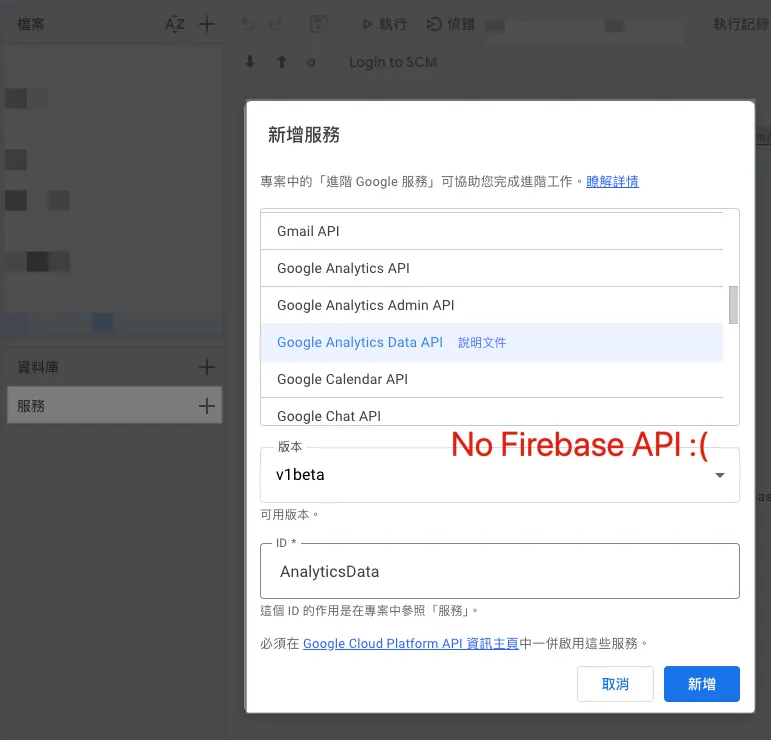
𝗚𝗼𝗼𝗴𝗹𝗲 𝗔𝗽𝗽𝘀 𝗦𝗰𝗿𝗶𝗽𝘁 was my favorite platform for process automation. Its advantages are “free,” “Function as a Service, ready to use without deployment,” “managed with Google organization account permissions,” and “seamless integration with Google services like Gmail, Google Sheets, Google Forms, Google Analytics, BigQuery, and more.”
I have previously worked on many process automation integration scenarios, such as pulling daily data from GA4 for marketing and filling it into Google Sheets operation reports, tracking app active users and crash data, integrating Slack and Google Form registration forms, and more.
Gradually, I also became “fixed” on Google Apps Script. For almost every process automation scenario I encounter, I start by thinking, “What can Google Apps Script do?”
Recently encountered a very complex scenario with many breakpoints:
Must be macOS + must connect to internal network + span multiple in-house services + must integrate with Gmail, App Store, and Google Play Console.
This scenario is very painful for the demand side. Each item takes about 30 minutes to process, so 10 items require 300 minutes, and there are many interruptions and manual steps throughout the process.
On the technical side, using Google Apps Script is no longer feasible because it needs to connect to internal network services and run on macOS. Additionally, I estimate that achieving full automation, even with AI development, would take at least a quarter. The difficulty lies not in the engineering itself but in bridging different services, which may even require launching a new service, making the whole system very complex.
If the mountain doesn’t turn, the road will
Recently, while working on a Side Project iOS App, I joined the Apple Developer Program, which allows me to develop and sign macOS Apps (I later found out that joining is not necessary, but other users would need to manually allow access in Privacy Settings).
Looking back at the original limitations:
-
Must be macOS: naturally solves the problem.
-
Must connect to the internal network: The user’s computer is already within the required network environment.
-
Across multiple proprietary services: Since the services are all front-end and back-end separated, users can log in directly through our App and use their Auth to call APIs for data integration.
-
Must connect to Gmail: You can directly create a Google OAuth App within the organization, allowing users to log in and authorize on the macOS App to access data.
-
App Store and Google Play Console: Both handle authorization and API integration.
The core design is: it is a local bridge.
The user only needs to install, log in, and complete authorization on their computer. It can then automatically connect workflows scattered across different services to achieve “process automation.”
This is a rather interesting new attempt
Besides truly solving the problem itself, security is also more reliable; asking AI to develop a macOS App is essentially similar to asking it to write Google Apps Script, and it can do both very well while consuming few tokens.
Comments